Search
Local search
tsx
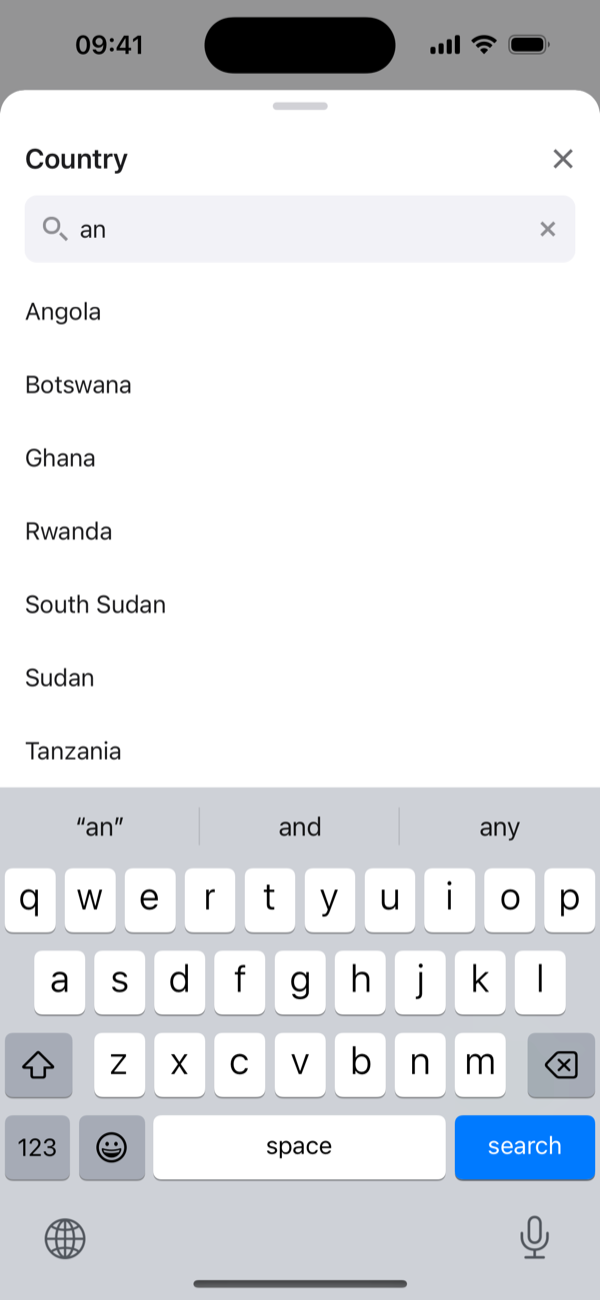
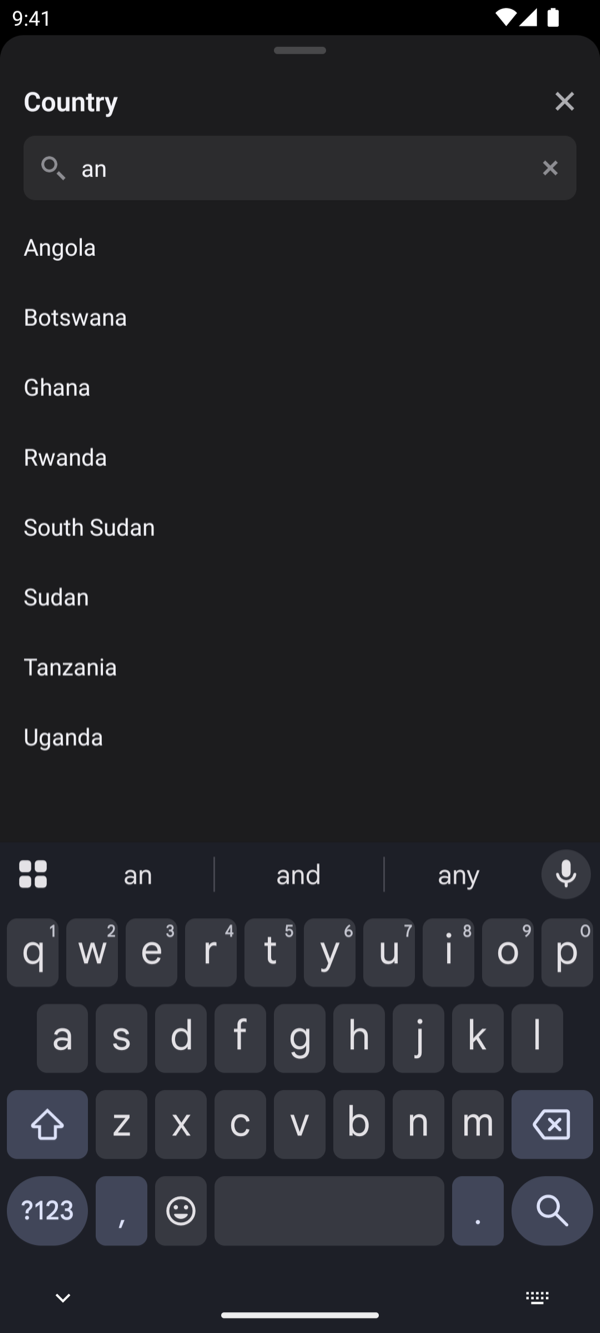
<ActionSheetPicker searchable … />Local search matches labels anywhere, case-insensitively, and ignores accents by default, so typing "cote" finds "Côte d'Ivoire". To customise matching, pass a filter:
tsx
<ActionSheetPicker
  searchable={{ filter: (item, query) => item.code.startsWith(query.toUpperCase()) }}
  …
/>
Remote search
In remote mode the picker owns the search field and reports the text to you, debounced. It never filters items itself, because your server does:
tsx
const [term, setTerm] = useState('');
const { data, isFetching } = useQuery({
  queryKey: ['people', term],
  queryFn: () => api.people(term),
});

<ActionSheetPicker
  items={data ?? []}
  schema={{ value: 'id', label: 'name' }}
  searchable={{
    mode: 'remote',
    onChangeText: setTerm,
    debounceMs: 300,
    searching: isFetching,
  }}
  value={personId}
  onChange={setPersonId}
/>;- Typing stays smooth. The text is owned by the picker, so parent re-renders never overwrite what the user is typing.
- Reset on close. When the sheet closes, the text is cleared and remote mode sends
''once, so the next open shows the unfiltered list. SetclearOnClose: falseto keep it. - Label survives. The selected item's label stays visible after it drops out of the results.
Options
| Option | Default | |
|---|---|---|
mode | 'local' | 'remote' reports text instead of filtering |
onChangeText | — | Called with the text (debounced in remote mode) |
debounceMs | 300 | Remote mode |
searching | false | Shows a "Searching…" state |
accentInsensitive | true | |
filter | — | (item, query) => boolean (local mode) |
clearOnSelect | false | Multi-select: clear the text after each pick |
clearOnClose | true |